Threads keep your place
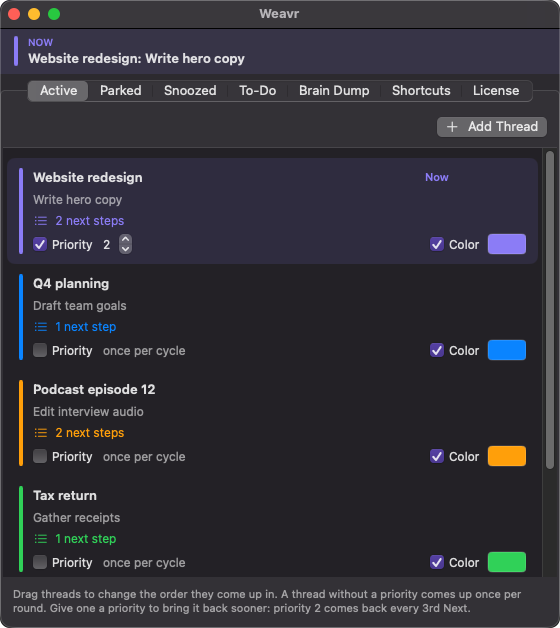
Every thread remembers the step you're on and what comes next. A priority brings a thread back more often, and its color shows in the menu bar.
For Mac · menu bar app
You're never working on one thing. Weavr keeps every thread you're juggling in your menu bar, shows the step you're on, and hands you the next one when you press Next.
macOS 13 or later · Apple Silicon and Intel · 14 days free
 Website redesign: Write hero copy
Thu 9:41
Website redesign: Write hero copy
Thu 9:41
Three minutes of a real day with Weavr, from the first thread to the shortcuts.
One thread at a time, all day, without losing your place in any of them.
Your brain dump opens. Empty your head, then Weavr puts you on your first thread.
Done with this stretch? Press ⌃⌥⌘N. The menu bar moves you to the next thread and its step.
Quick tasks surface between threads. Scheduled ones arrive right on time.
Set a thread aside. It comes back on its own, exactly when you said.
Weavr goes quiet until tomorrow. Everything is where you left it.
Every thread remembers the step you're on and what comes next. A priority brings a thread back more often, and its color shows in the menu bar.
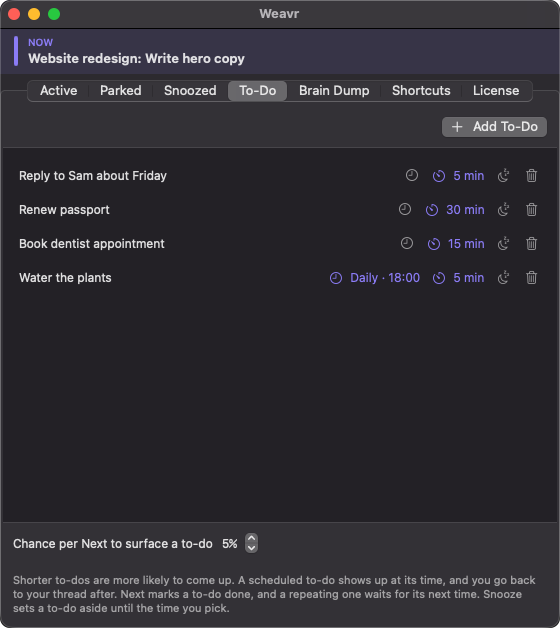
Short ones come up more often. Schedule one and it interrupts right on time, then hands you back.
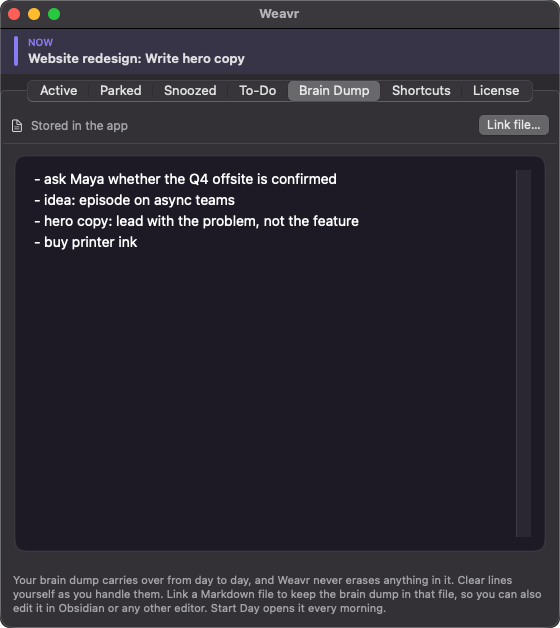
One running page for everything on your mind. Link it to a Markdown file and edit it in Obsidian too.
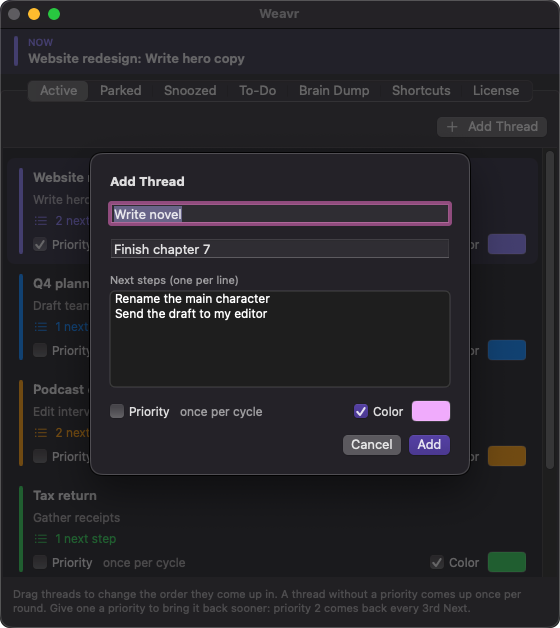
Queue up what comes after. Next with New Task walks you down the list as you cycle.
Change any shortcut to the keys you like.
There's no account and no cloud. Your threads, to-dos and brain dump stay on your Mac. Works offline after a one-time activation.
One price
Weavr is sold independently, outside the Mac App Store, so macOS asks you to confirm it once.
Only on your Mac. Weavr has no account and no cloud. The only things it sends over the internet are your license key when you activate or re-check it, and a daily check for a newer version.
Yes. Activating a license needs the internet once. After that Weavr checks in every few days when it happens to be online, and being offline never locks you out.
Two. Moving to a new Mac? Open Settings → License on the old one and click Deactivate this Mac, then enter your key on the new one. If the old Mac is gone, free it from your purchase page on Polar or email [email protected].
Next pauses until you enter a license key. Everything you wrote stays readable and editable.
Weavr is sold independently rather than through Apple's notarization program, so macOS asks you to confirm it once. The install steps walk through it.
Polar, our reseller and merchant of record, handles payment, tax and invoices, and emails your license key. See the refund policy.